
Describe the room
Share the screen inputs, available power, usable floor area and the number of players.
Khelrivo brings consoles, VR headsets and racing wheels into a home equipment-rental conversation built around the actual room. Start with the people, screen and available space, then consider the hardware and connections. Daily rental arrangements, delivery and the exact handover details are discussed for the selected kit rather than assumed from a photograph.
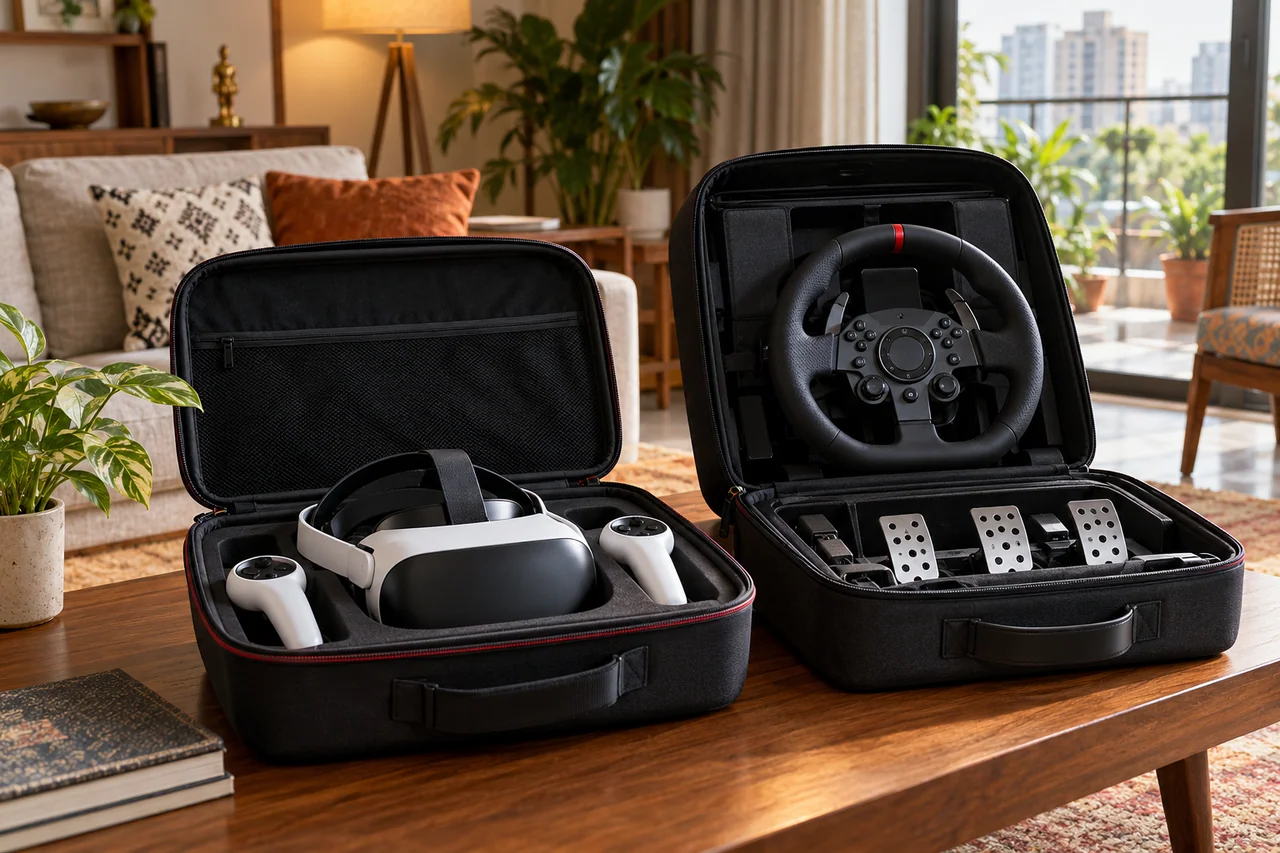
Start with the task and follow the detail that matters to your next decision.
Keep the preparation stages connected to the decision each one needs.
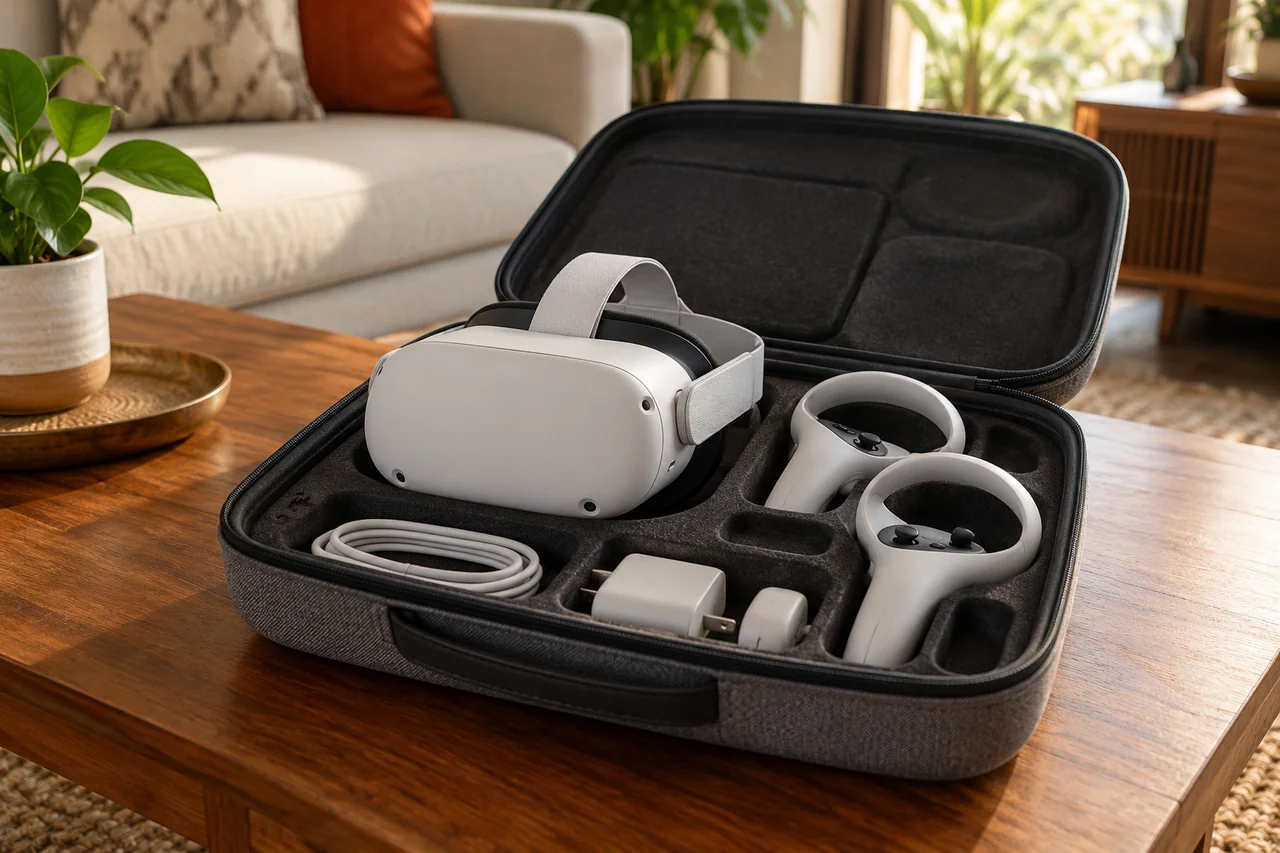
Share the screen inputs, available power, usable floor area and the number of players.
Agree the particular devices, controllers, cables and accessories.
Discuss the requested dates, delivery or collection details and the way equipment condition is checked.
Keep accessories with their kit and follow the agreed packing and return instructions.
A useful equipment enquiry describes the room as well as the console. Check the display connection, the position of a power socket and the distance between the screen and the people playing. If you already have controllers or a headset, describe them rather than assuming that every accessory works with every system.
For a shared evening, mention how many people are likely to play together and whether they will take turns. That changes the questions worth asking about controllers, seating and the space around cables.
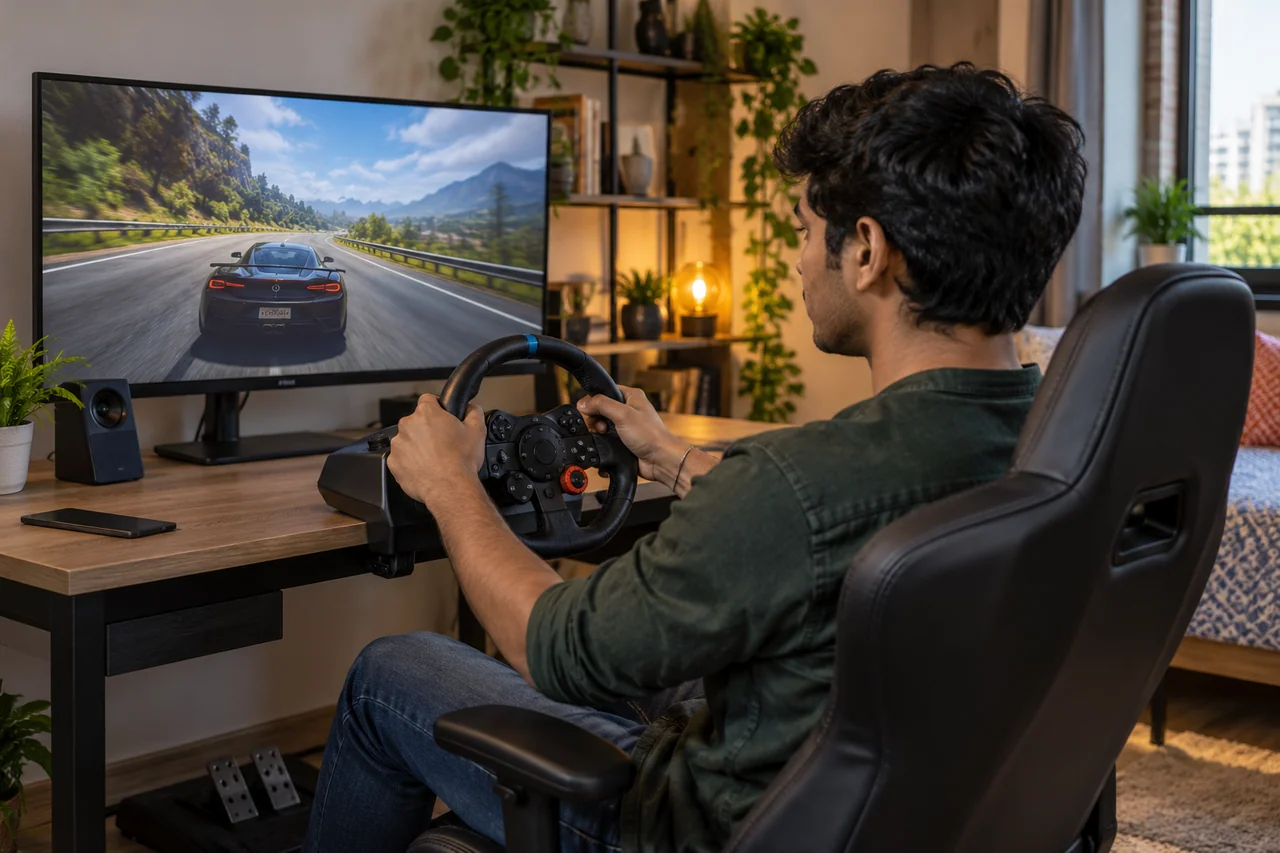
Seated console play, room-scale VR and a racing wheel use a room differently. Describe the clear floor area, furniture that can move and any mounting surface available. Keep the handover conversation tied to that actual setup. Our planning notes explain what information helps clarify a kit enquiry before delivery and return arrangements are agreed.
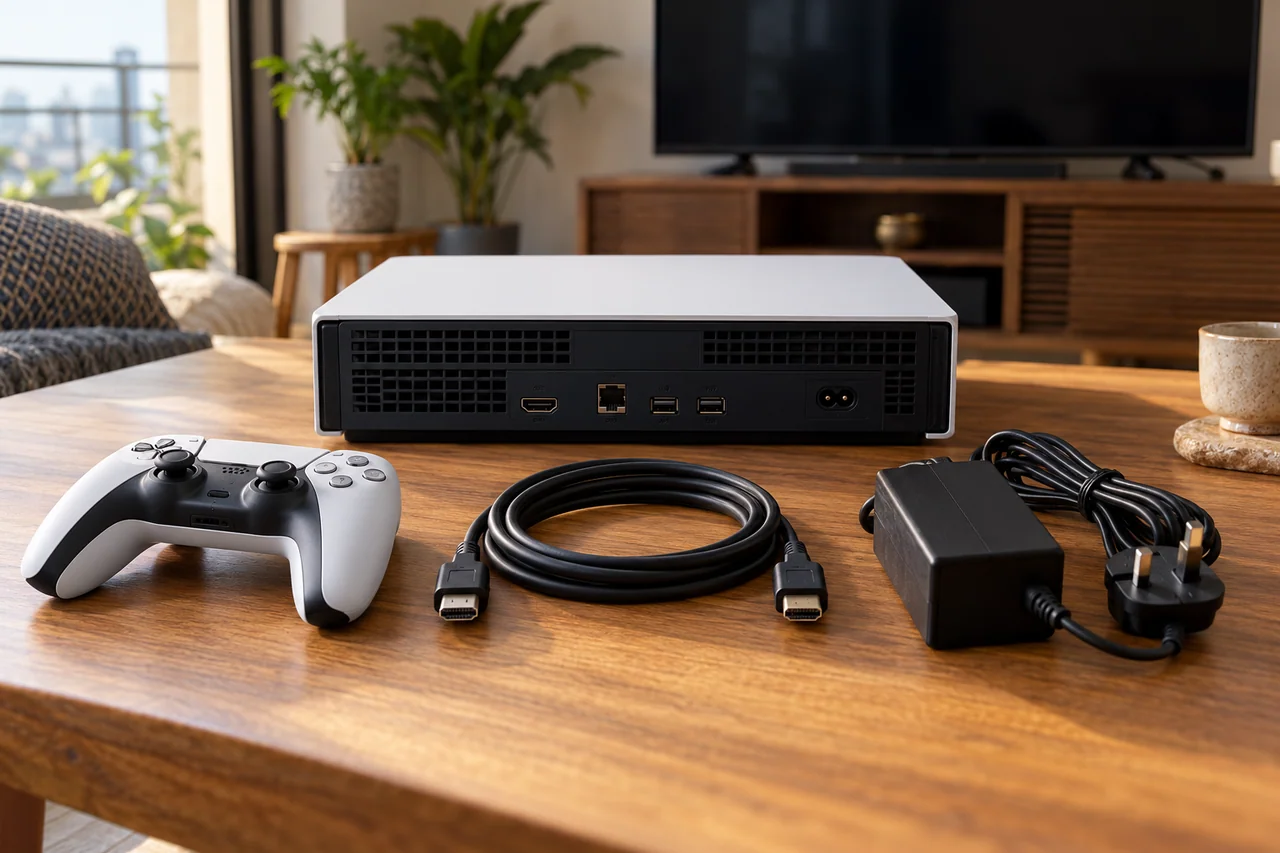
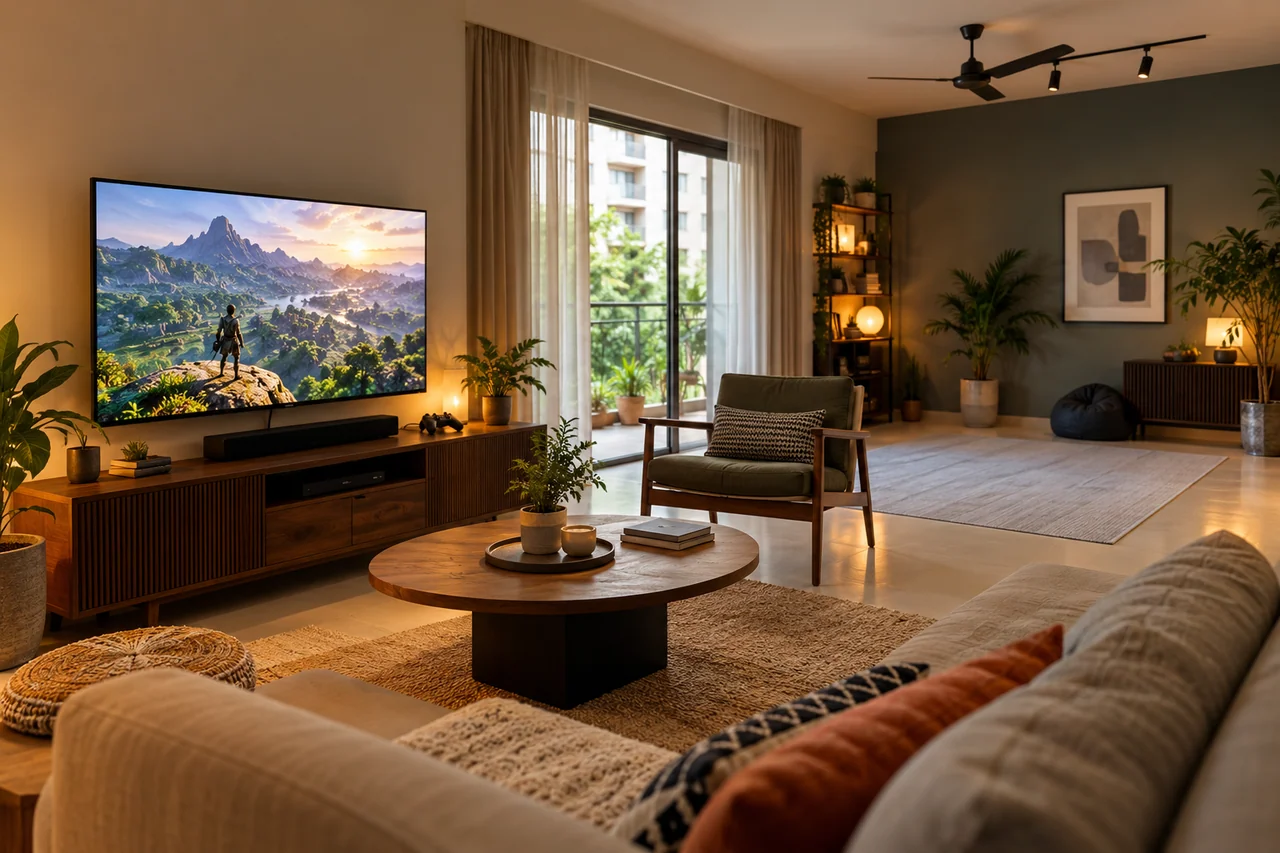
Select the equipment you are considering and prepare the relevant room details for the enquiry. Compatibility is confirmed for the actual devices.
Check screen inputs, player count, power and ventilation space. Keep the device model and a simple account of the available connections ready.
Measure usable movement space and identify objects or people that could enter it. Confirm the specific headset's boundaries, age guidance and accessories.
Check the desk edge, clamp space, seating and pedal position. Include the supported system and the way cables can reach it safely.
Check the screen's available connections and where they are positioned. Share the relevant input details instead of relying only on the screen size. Leave room for connectors and avoid sharply bending a cable behind furniture.
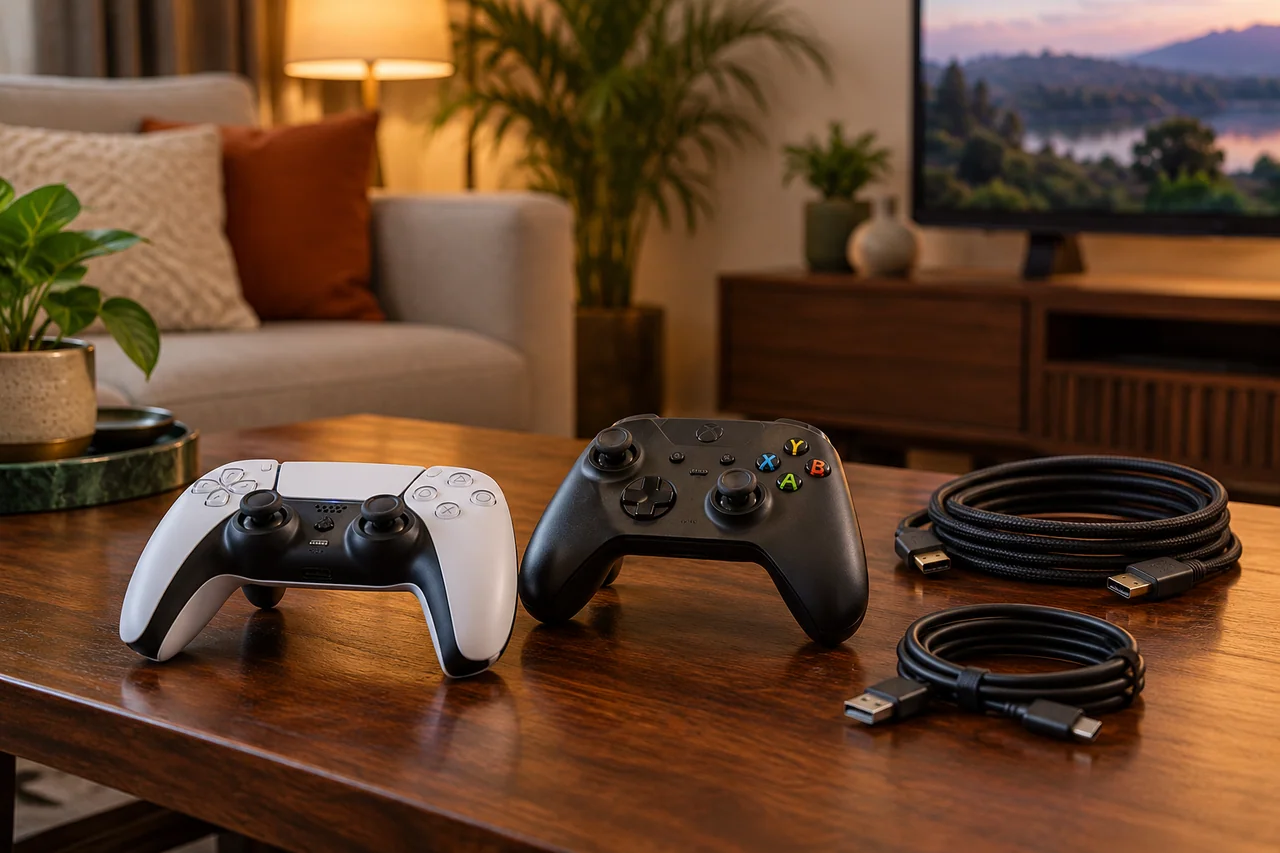
A good setup begins with the available space. Khelrivo's approach connects hardware selection with the screen, mounting, movement and cable needs of the room. This keeps the discussion practical and prevents a broad equipment category from standing in for compatibility checks.
Controllers, leads and accessories need a clear role. A contents list and an agreed handover check make that role visible. Equipment preparation includes how the components travel and return, as well as how they are used during a home session.
Describe the equipment, dates, screen and room you have in mind. A wheel setup benefits from mounting details; VR needs an account of usable space. The contact conversation clarifies the kit, daily rental arrangement and delivery or collection terms before any handover is confirmed.